SprayLog
A simple online tool for New Zealand growers to record their spray program
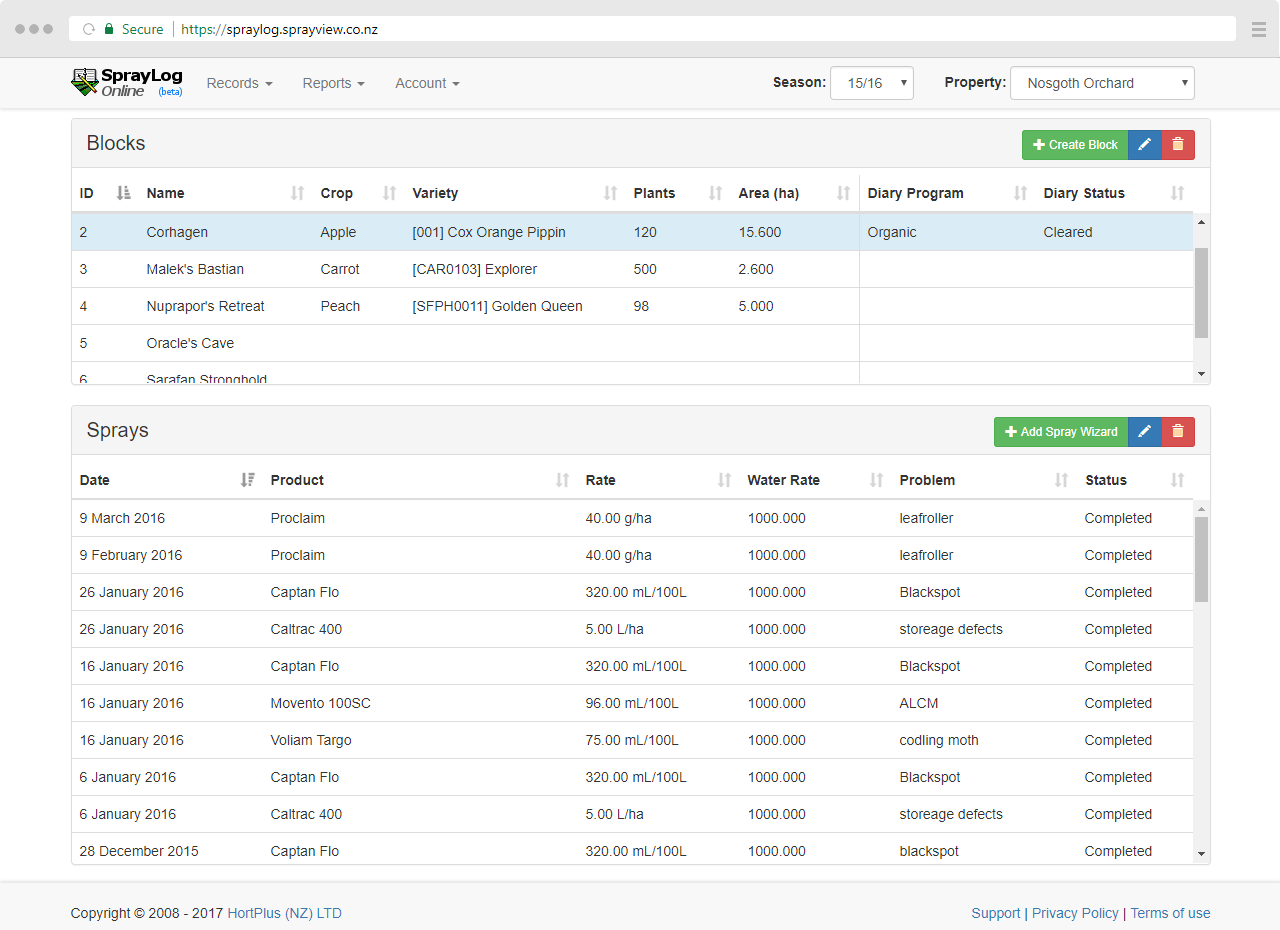
A simple online tool for New Zealand growers to record their spray program
SprayLog has many features designed to make recording spray applications faster and help you get the information you need.

As a secure web-based tool, SprayLog is available on any phone, tablet, laptop or PC.

Minimal form inputs are required with few restrictions, making data entry fast and easy.

Existing industry variety and spray product lists, including fertilisers and supplimentry products.

Generate printer freindly reports or export records to excel for all or part of your spray diaries.
All plans are annual subscriptions paid on invoice by internet banking or credit card (ex GST).
$165
$400
$600
Growers have been using SprayLog in it's various forms for over 20 years.
Originally SprayLog was part of the Orchard 2000 software built on a paradox file based system in 1993.
When the Orchard 2000 projected ended, the spray diary recording functionality was redeveloped into the first stand alone SprayLog software in 2003, using an XML file based system.
The SprayLog software has now been re-developed into a web-based tool available securely online from any device.
SprayLog continues to help growers manage their spray diary recording.
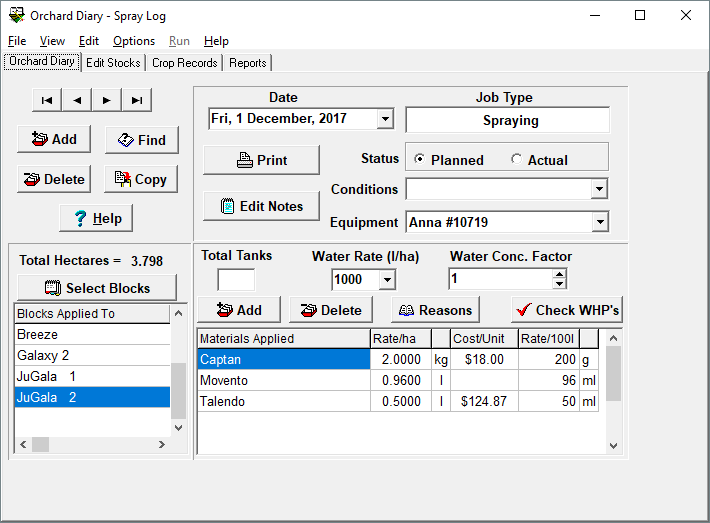
The original paradox based orchard management software.
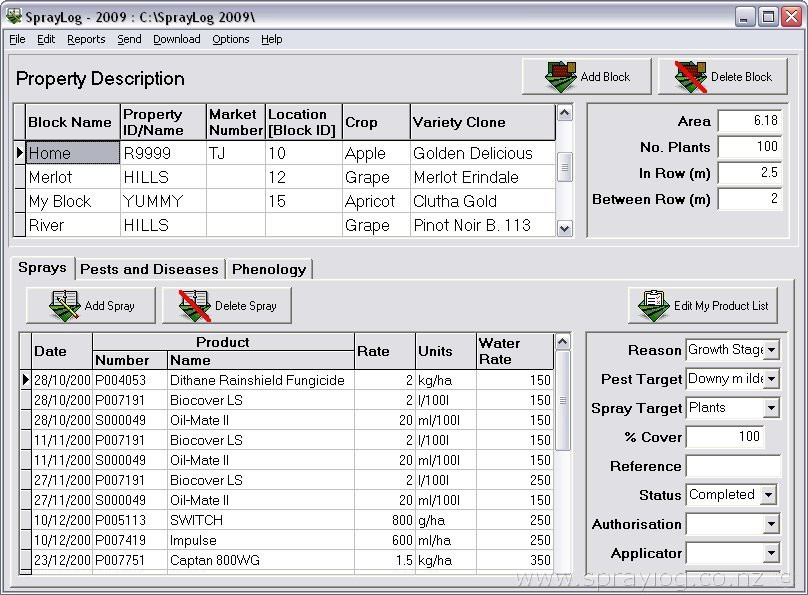
The xml based spray diary recording software.
The online, secure, spray diary recording system.