SprayLog 2009 version: 7.00 HortPlus Plant & Food Research
Features
Spray Plan Manager

Screenshots

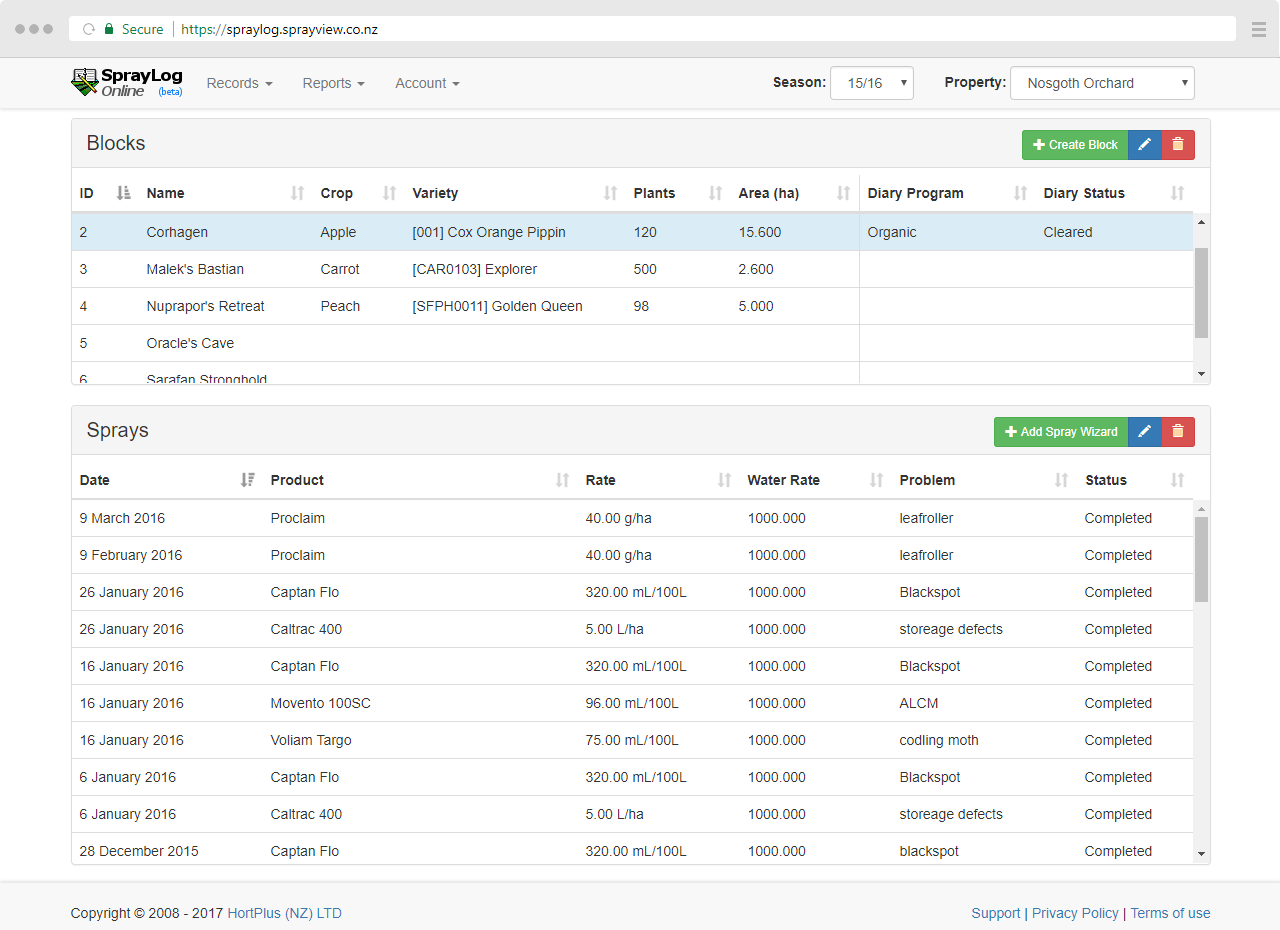
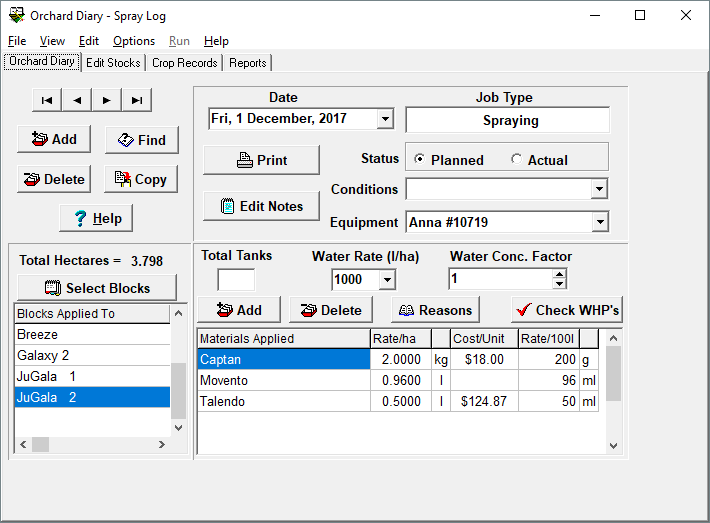
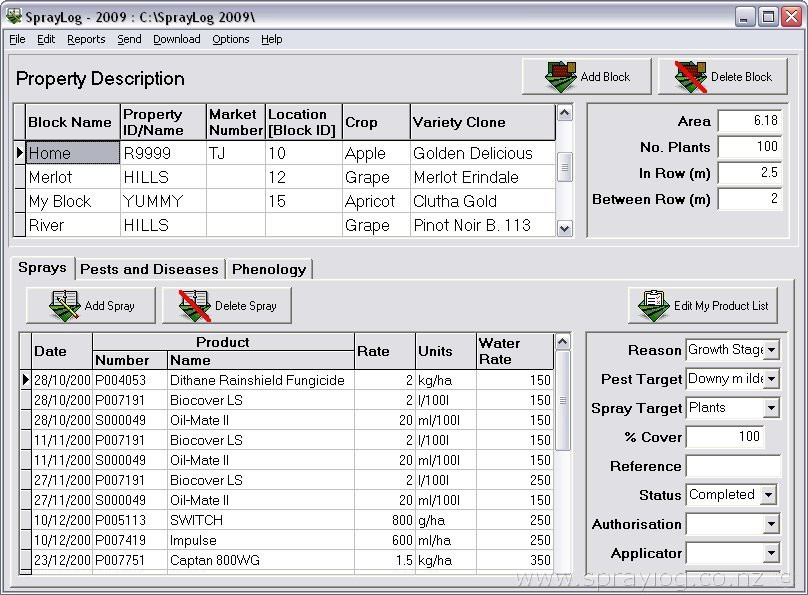
Click on the thumbnails below to view the screenshots.

Click to enlarge Click to enlarge Click to enlarge Click to enlarge

As you can see from the first screen shot of the main window, you can select any block from the top grid and see all the sprays recorded against it in the bottom grid, also the additional spray details for the selected spray record.

The best way to find out what SprayLog does and what it looks like is to download it for yourself and try it for free. But, if you want to read about more about it, below is a feature list.

Features

  • No adverts, No obligations and completely free: Some software on the internet states that's its free, but it ends up costing. SprayLog is really free!
  • The program has a relatively small file size and is easy to install: Smaller files download faster so you can get up and running in a matter of minutes.
  • Simple, easy to understand layout: The block and diary information is all on the main screen.
  • Save time with the ability to record sprays against multiple blocks at once: The 'Add Spray' wizard allows you to specify a date then select multiple products and multiple blocks at the same time.
  • Agrichemical Product & Variety lists are setup and managed for you: All NZ registered products are available along with a huge number of supplementary products.
  • Product rates can be recorded either as rates per hectare or rates per 100 litres: There are 8 unit types to help make recording spray rates easier. g/100l, ml/100l, kg/100l, L/100l, g/ha, ml/ha, kg/ha and L/ha.
  • Print, Email, Save to disk, and Copy your spray diary information: There are a number of ways you can export or share your diary information.
  • Information can easily be copied to a spreadsheet such as Microsoft® Excel: Microsoft Excel is a popular program that you can copy & paste your diary information into.
  • Generate a product spray plan for use by applicator staff in the field: You can record future planned sprays that are yet to be actioned, then print a report for the spray applicator staff detailing products, rates and blocks to be applied.
  • Active ingredient calculator: SprayLog can calculate accumulated chemical usage for a selected block.
  • Seasonal product use report: You are able to generate a report of your product usage based on the diray information you have entered.
  • Record growth stage dates for each block: Growth stage types are already setup, you can optionally specify a date at which they occurred.
  • Pest & Disease recording: This is an optional feature to allow you to record pest & diseases.
  • Displays Product HSNO, Active ingredient and content information: Available for every NZ registered agrichemical product, and supplementary products where available.
  • Easily update the Product & Variety lists via FTP: New agrichemical products are constantly being released, SprayLog can download the most up-to-date product list from the SprayLog website.
  • Product Inventory Manager: This is an optional feature that can track product inventory and usage based on block area and product application rate.
  • New FeatureRecord additional Block Information: 3 more fields have been added to the block list, Number of plants, In row spacing and Between row spacing.
  • New FeatureNew version notification: Every time you open SprayLog it will check to see if an updated version is available.
  • New FeatureOther 2009 revisions: The main window layout, menu labels and structure has been refined.